
Screenshots
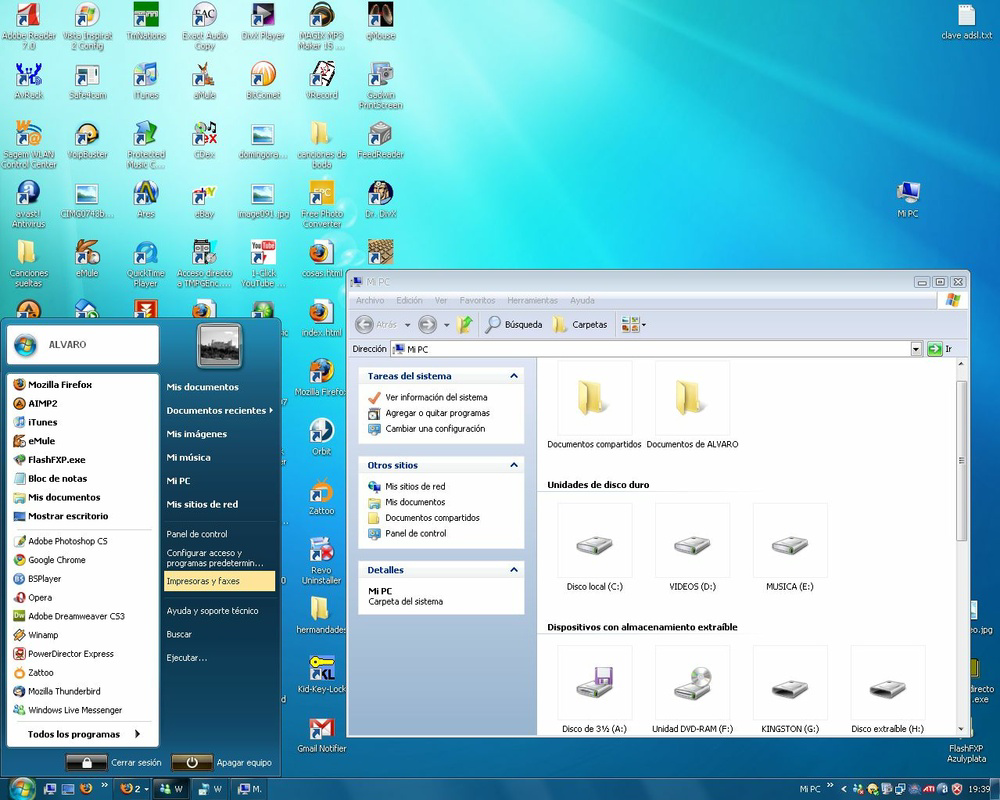
App details
- Updated
- Jan 9, 2010
- Language
- Spanish 6 moreLanguagesSpanishEnglishPor...
- Category
- Mobile
SoftPas in:
This product is also available in the following languages:
About Seven Remix XP
Download Seven Remix XP – Windows XP Interface Upgrade, Visual Overhaul, Modern Design
Overview
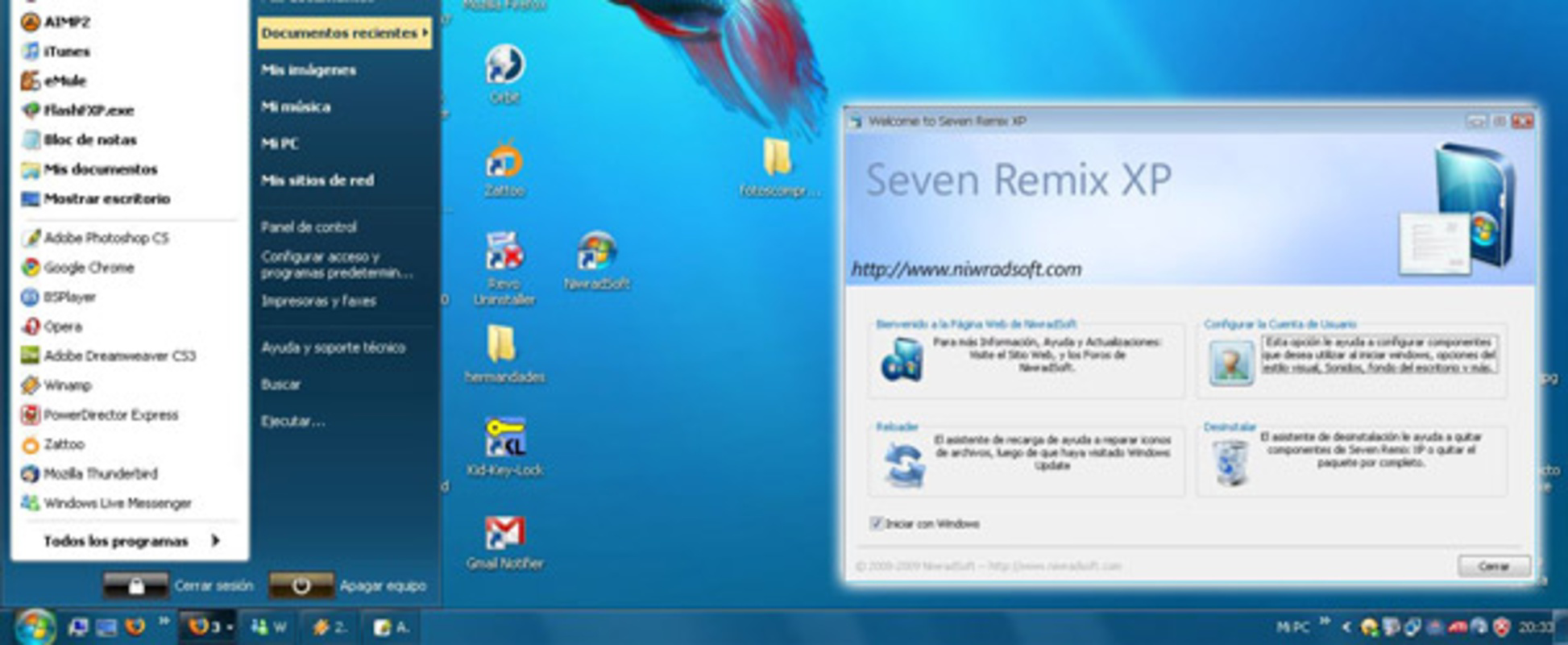
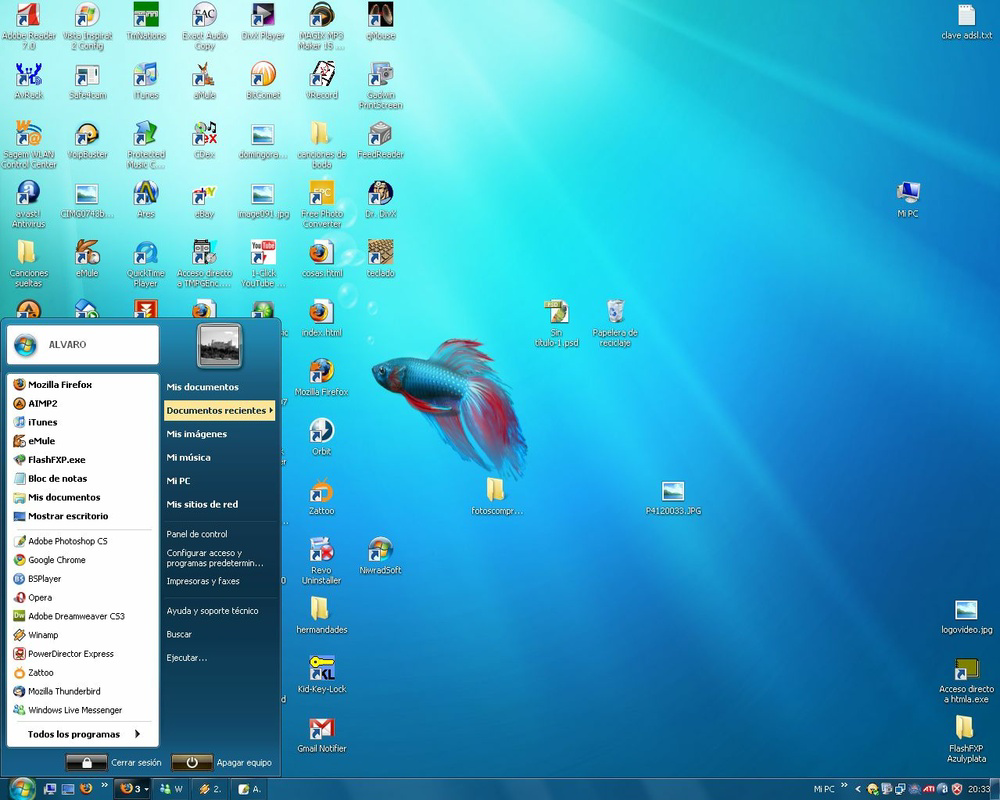
Seven Remix XP is a unique utility designed for users of Windows XP who wish to preview and experience the modern visual aesthetics of Windows Seven before its official release. The application functions as a desktop customization tool, transforming the interface of Windows XP into a more contemporary and visually cohesive environment. By modifying core visual elements such as the desktop, taskbar, start menu, and system sounds, Seven Remix XP delivers a seamless upgrade that enhances the overall user experience without altering system functionality.
Its primary purpose is to satisfy users’ curiosity and desire for a modern interface while maintaining compatibility with older systems. This makes it particularly valuable for individuals using legacy hardware or software that still relies on Windows XP. The app is ideal for tech enthusiasts, early adopters, and users who appreciate visual innovation. It also serves as a nostalgic yet forward-looking tool for those who remember the excitement surrounding the Windows Seven launch.
Although the developer did not provide additional background details, the application’s design and functionality suggest a focus on user-friendly customization. The ability to revert changes safely further underscores its thoughtful approach. In the broader software ecosystem, Seven Remix XP stands out as a rare example of a pre-release interface preview tool, offering both aesthetic enhancement and a risk-free trial experience.
Key Features & Functionality
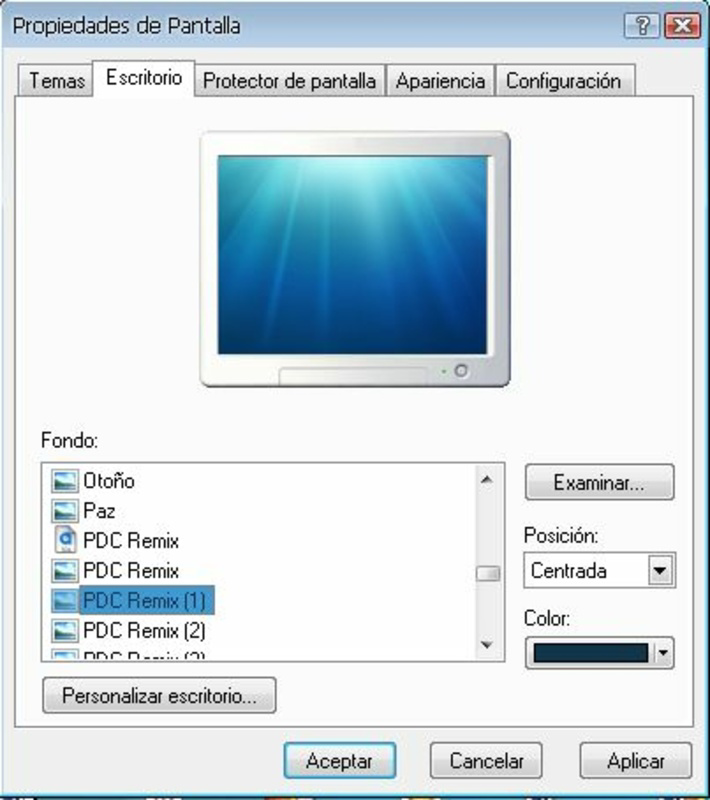
- Complete Visual Overhaul: Seven Remix XP redefines the look of Windows XP by redesigning the desktop background, taskbar layout, window borders, and icon styles to mirror the clean, modern design language of Windows Seven. This transformation creates a unified and visually appealing interface that feels significantly more current.
- Custom Sound Schemes: The app replaces default system sounds with those from Windows Seven, including boot-up tones, window animations, and notification chimes. This auditory enhancement deepens the immersive experience and aligns the audio feedback with the updated visual theme.
- User-Friendly Installation: Installation is designed to be straightforward and accessible to users of all technical levels. No third-party tools or complex configurations are required. The process is self-contained and optimized for simplicity.
- Safe Uninstallation: A key strength of Seven Remix XP is its reversible nature. Users can restore the original Windows XP interface at any time without system damage or data loss, ensuring a completely risk-free trial.
- Impressive Upgrade Before Release: Released in January 2010, the tool gave users a first look at the upcoming Windows Seven interface, making it a novelty for early adopters and tech-savvy individuals eager to showcase cutting-edge design.
For example, a user running a stable XP system for legacy software can now enjoy a modern desktop without upgrading their OS. Similarly, a student demonstrating computer skills could impress peers with a sleek, updated interface, all while preserving system stability.
Interface, UX & Performance
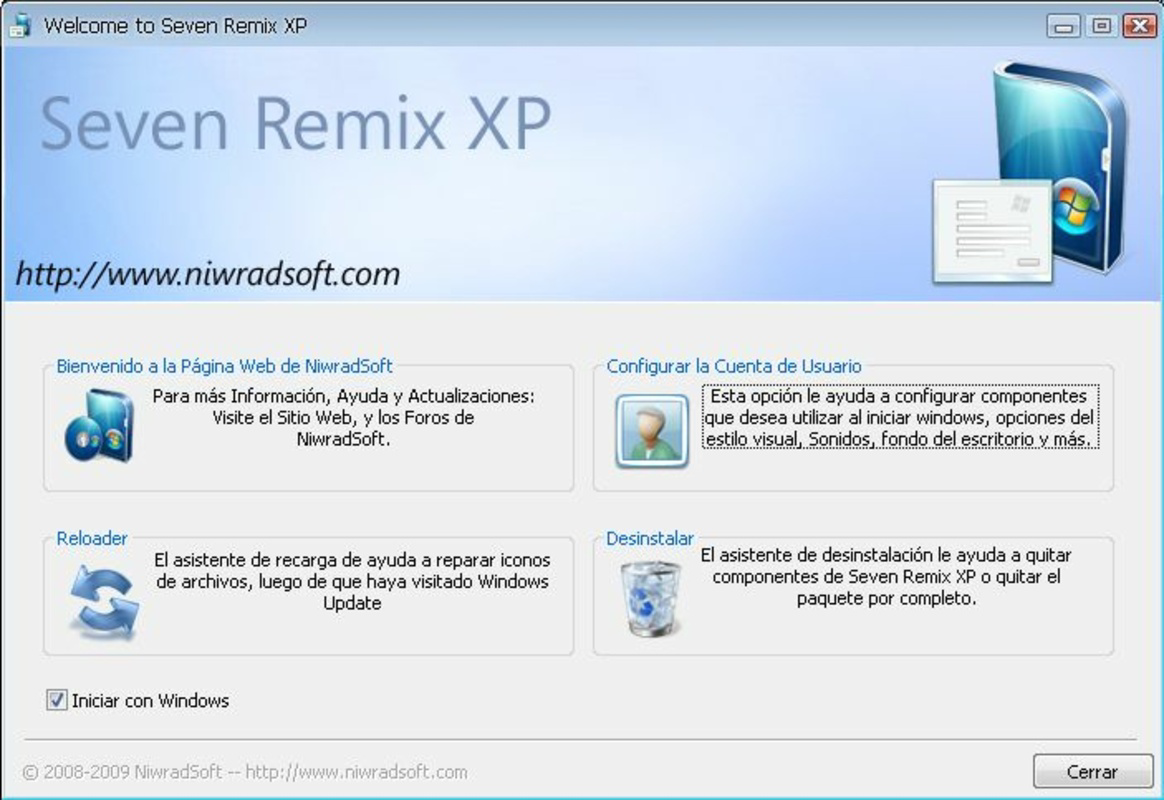
The interface of Seven Remix XP is minimal and focused on the customization process, with a clean setup wizard guiding users through the installation. The visual style remains consistent with the target Windows Seven aesthetic, offering a smooth and visually satisfying transformation. Navigation is intuitive, with clearly labeled options and progress indicators during installation and uninstallation.
Although the developer did not list formal performance metrics, the application is designed to operate efficiently without placing a significant load on system resources. It runs in the background during setup and does not interfere with ongoing tasks. Responsiveness is maintained across different hardware configurations, particularly on systems with standard XP specifications.
Stability is a notable strength. The app’s reversible architecture ensures that system integrity is preserved. Users can expect consistent behavior during both installation and rollback, minimizing the risk of crashes or configuration errors. The overall user experience is streamlined, focusing on ease of use and visual impact.
Platform Compatibility & Technical Requirements
Seven Remix XP is designed for the Windows operating system, specifically targeting Windows XP. The application is compatible with both 32-bit and 64-bit versions of XP, though the developer did not specify exact version requirements. The file size is 25.4 MB, making it a lightweight download suitable for systems with limited storage.
The developer did not specify minimum OS requirements beyond the platform. Compatibility with specific hardware configurations was not disclosed. Users should ensure their system meets standard XP requirements before installation. The application does not require additional software or drivers to function.
Pros and Cons
Pros
- Provides a modern visual experience on legacy Windows XP systems
- Easy installation and safe, reversible uninstallation
- Enhances both visual and auditory interface elements
- Lightweight and efficient, with minimal system impact
- Offers a pre-release preview of Windows Seven’s interface
Cons
- Not compatible with operating systems newer than Windows XP
- Visual changes are cosmetic and do not add new system functionality
- Developer did not provide detailed technical specifications
- May not be suitable for users seeking full OS upgrades
- Compatibility with specific hardware was not listed
FAQ
Is Seven Remix XP safe to install on my Windows XP system?
Yes, the application is designed with a safe installation and uninstallation process. It does not modify critical system files and allows users to revert to the original interface without risk.
Can I use Seven Remix XP on Windows 7 or later?
No, the app is specifically built for Windows XP and is not compatible with Windows 7 or newer operating systems.
Do I need to restart my computer after installation?
Yes, a system restart is typically required to apply the full visual changes and ensure proper integration with the operating system.
Will Seven Remix XP affect my system performance?
It is designed to be lightweight and should not significantly impact system performance. The changes are purely visual and do not alter system operations.
How do I uninstall Seven Remix XP if I no longer want it?
The app includes a built-in uninstaller that restores the original Windows XP interface. Simply run the uninstaller from the installed directory or control panel.
Final Thoughts
Seven Remix XP delivers a compelling blend of nostalgia and innovation, offering Windows XP users a rare opportunity to experience the upcoming Windows Seven interface ahead of its official launch. Its clean design, ease of use, and reversible changes make it a standout tool in the realm of desktop customization. While it doesn’t add new functionality, it significantly enhances the visual appeal and user satisfaction of an older operating system.
For tech enthusiasts, students, and anyone using legacy systems, this app provides both entertainment and practical value. It’s a safe, lightweight way to modernize an outdated desktop without the need for a full OS upgrade. The ability to switch back at any time ensures peace of mind.
Download Seven Remix XP now
Guides & Tutorials
How to install Seven Remix XP
- Click the Download button above.
- Once redirected, accept the terms and click Install.
- Wait for the Seven Remix XP download to finish on your device.
How to use Seven Remix XP
This software is primarily used for its core features described above. Open the app after installation to explore its capabilities.
User Reviews
No reviews yet. Be the first to share your experience.
You may also like
more
Que no te pillen¡
About !Que no te pillen¡Reviewed by Jason A. BilbreyShow MoreShow Less

3D Combat Zone
About 3D Combat ZoneOriginally released in 1983, 3D Combat Zone immerses players...

666: El día del portal
About 666: El día del portalOn June 6, 2006, Agent P. Stone uncovers a sinister...

80 in 1 Best Flash games
About 80 in 1 Best Flash games 80 in 1 Best Flash games is a collection of 80 fl...

ABYSS SEEKERーーWhat Do You See Deep in The Abyss
About ABYSS SEEKERーーWhat Do You See Deep in The AbyssIn ABYSS SEEKER, players...

ACA NEOGEO THE KING OF FIGHTERS 2002 for Windows
About ACA NEOGEO THE KING OF FIGHTERS 2002 for WindowsTHE KING OF FIGHTERS 2002,...